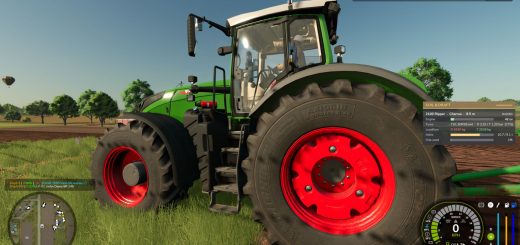
LS25 Toggle Trigger Icons & HUD V1.0.0.0

LS25 Other

LS25 Toggle Trigger Icons & HUD V1.0.0.0
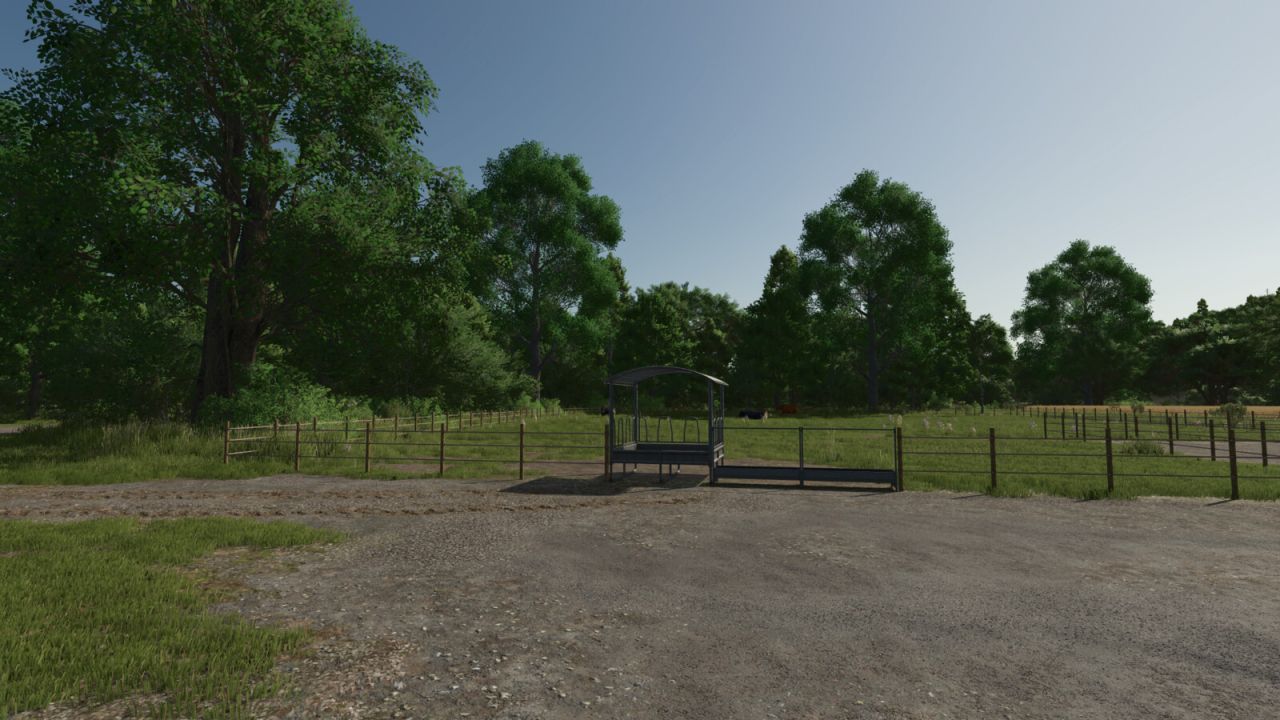
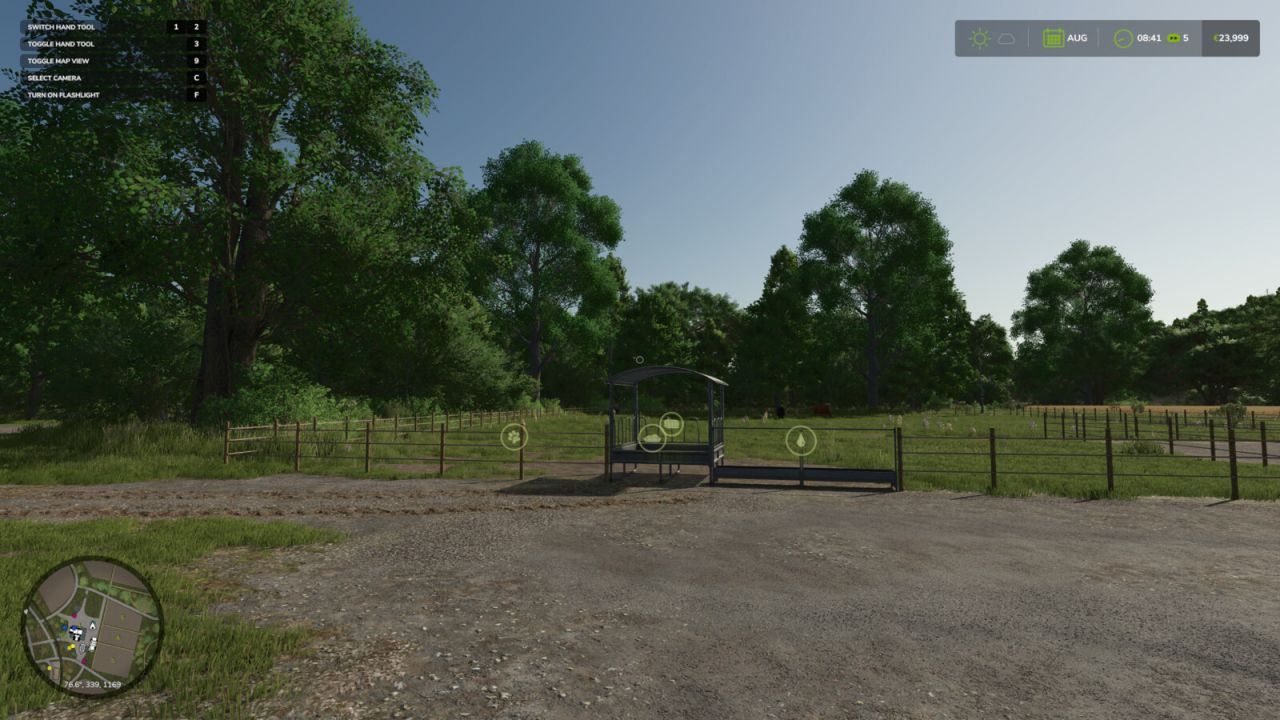
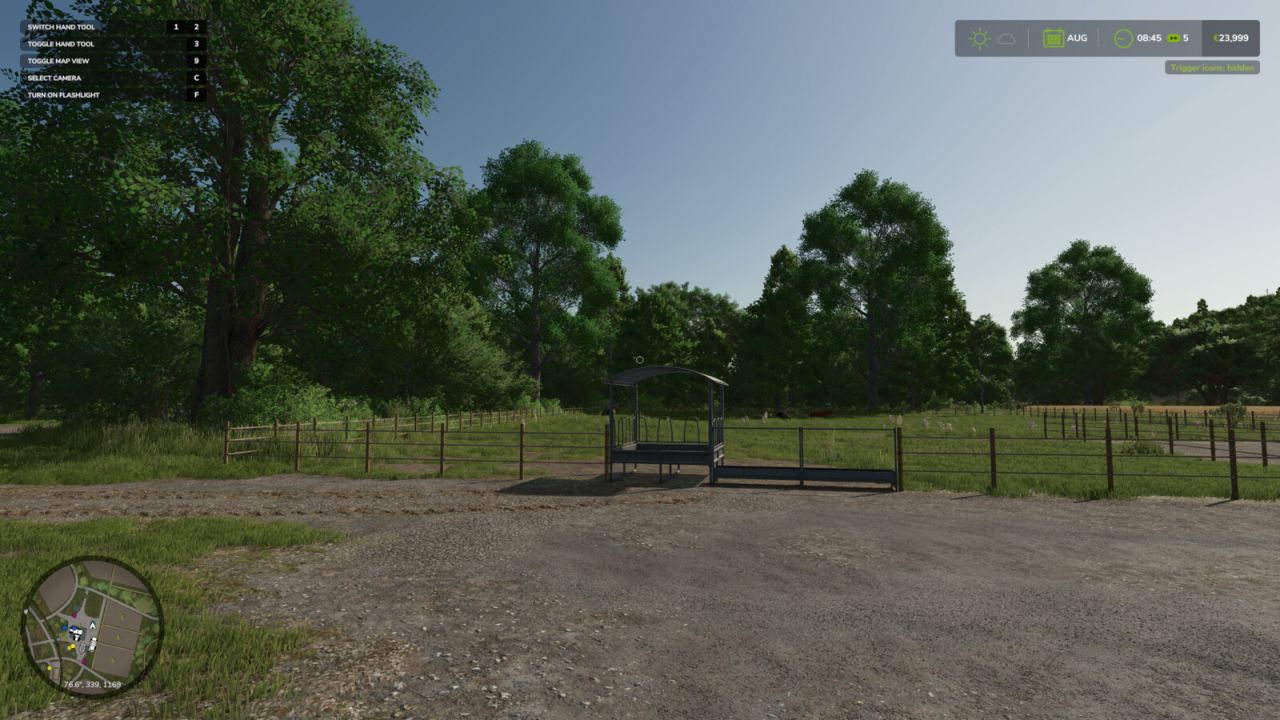
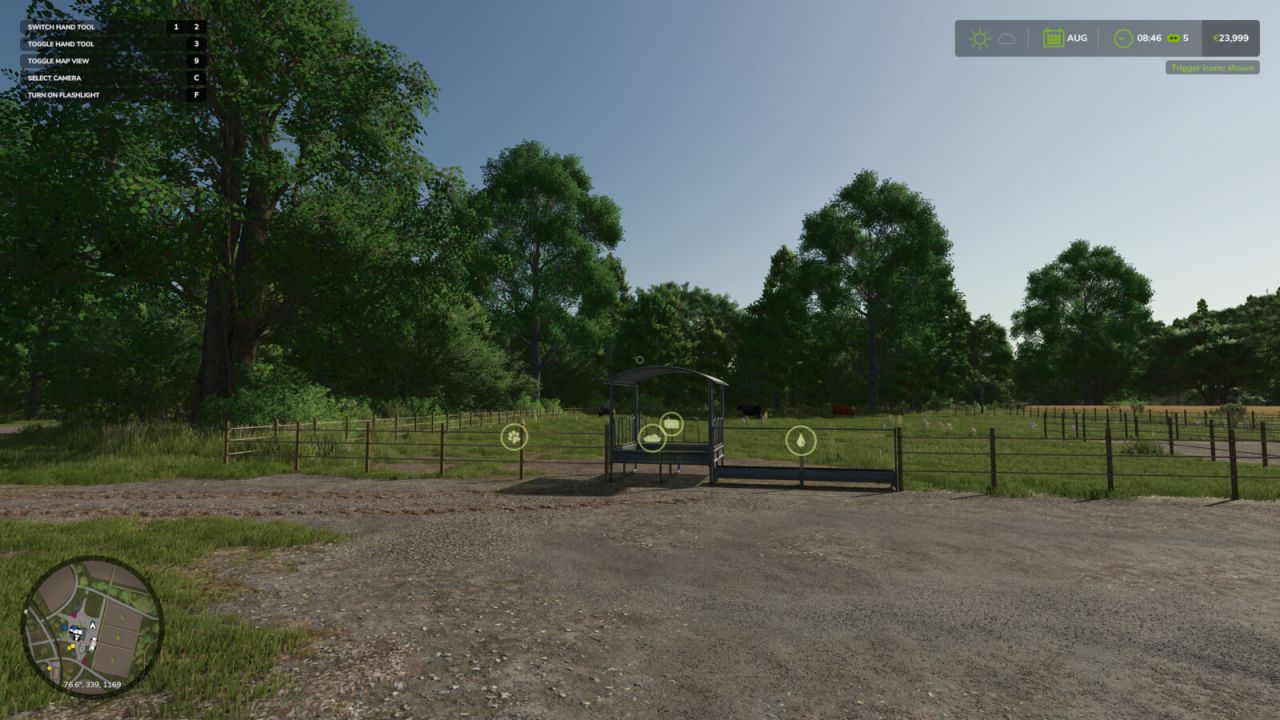
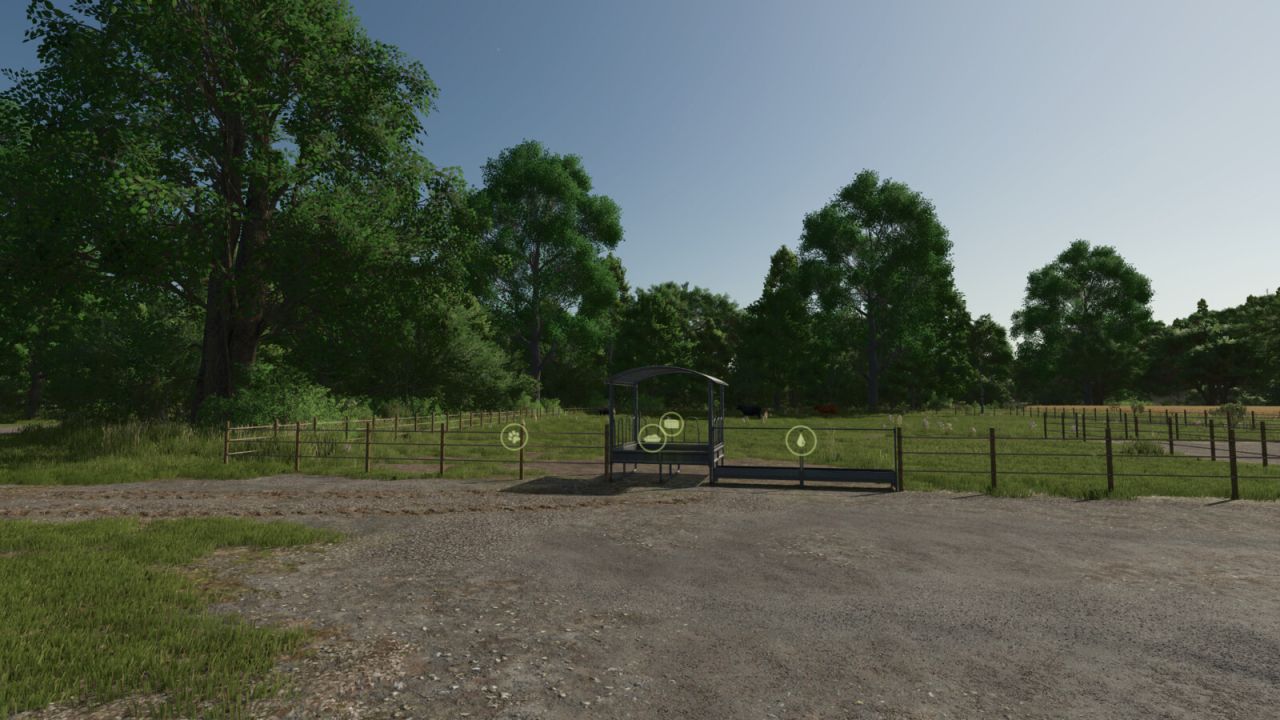
Two handy hotkeys for clean screenshots and more immersion:
Right CTRL + #: Toggles the trigger icons (e.g. at selling points, factories, shops). Uses the same setting as the in-game options menu, so the state always stays in sync and is saved normally.
Right CTRL + +: Toggles the entire HUD (displays, minimap, help text, etc.).

Both keys are freely rebindable under Controls in the settings menu.

Authors:
KöllaKind


Why & How to use FS25 mods

Have you tried Farming Simulator 25 Mods already? Downloading FS25 / FS22 mods is one of the best ways to upgrade your Farming Simulator 25 / 22 game by just installing it. All that you need is to select Farming Simulator 25 / 22 mod and upload it to your game mod folder. Here you will find modifications such as Tractors, Maps, harvesters mods for FS22 / FS22. However, the best way to see how it works is just to try and explore these LS25 / LS22 mods right now.


LS25 Other

Leave a Reply

Do you need help or to say thanks for mod author? Just leave a comment bellow!