LS25 Utility Pole Plant v1.0.0.0

LS25 Utility Pole Plant v1.0.0.0
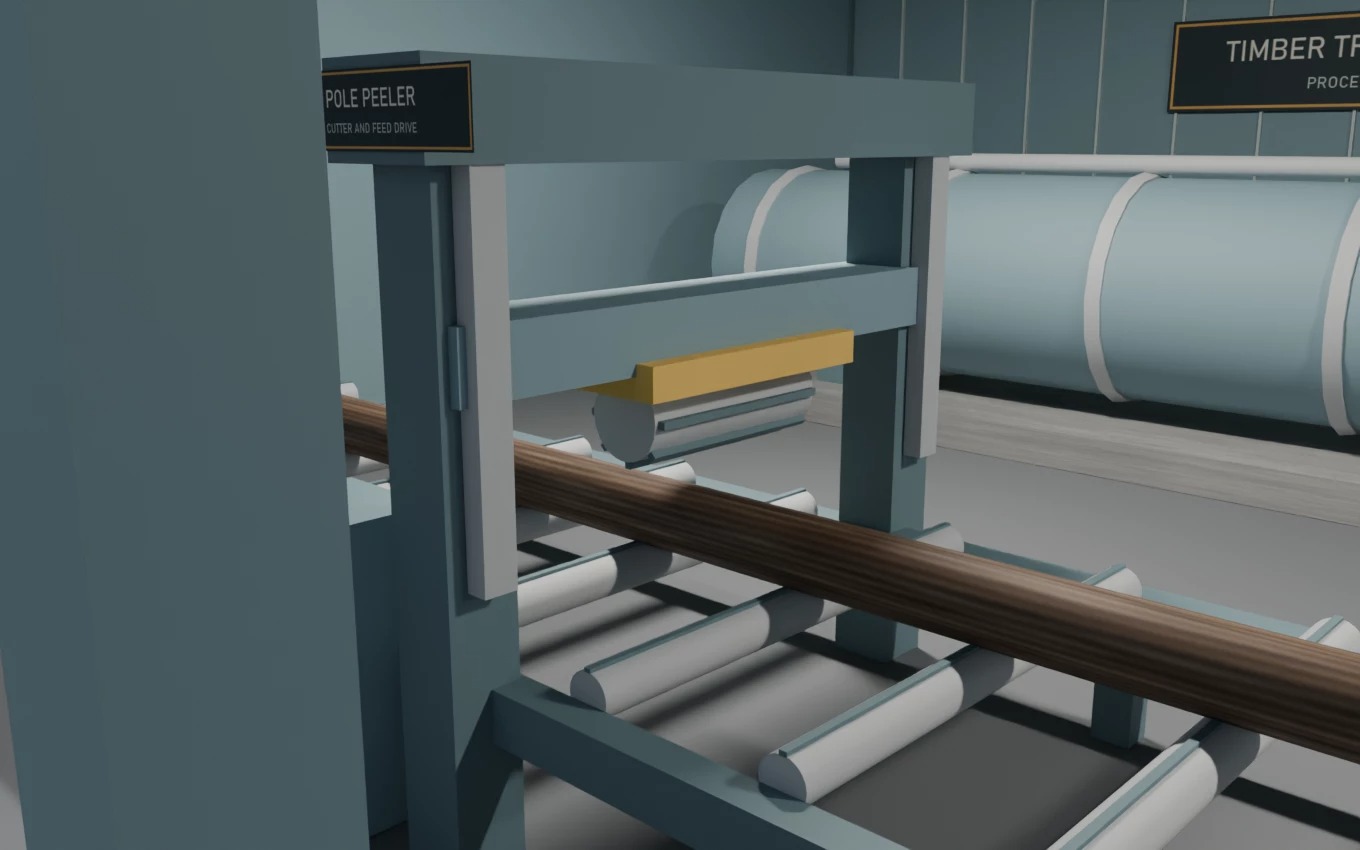
Turn cut logs and bulk steel into utility poles at a placeable FS25 factory with animated machinery and nine rear pickup slots.
INSTALLATION
Download both ZIPs and place them unopened in your FS25 mods folder. Enable Utility Pole Plant, Utility Poles, and RGC Productions in your save. RGC Productions is a separate dependency that supplies steel. PC multiplayer is enabled in both ZIPs. Use matching versions of both ZIPs and RGC Productions on the host or dedicated server and on every player PC. Package and simulated dispatch and animation checks passed. Live multiplayer and dedicated-server gameplay are unverified.
HOW TO PLAY
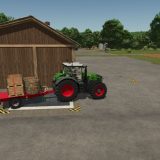
Place the plant under Construction → Production → Factories. Bay 01 automatically receives cut logs. Unload liquid fertilizer in Bay 02 and bulk steel in Bay 03. Activate a recipe and leave its output on Storing. Collect finished poles from the rear racks with a grapple. Each pole type has three slots.
Make 10 m standard treated wood, 14 m heavy-duty treated wood, and 12 m galvanized steel poles. The poles are factory outputs and are hidden in the purchase menu.
Plant v0.1.5.0, Poles v0.1.3.0
Created by HurricaneHirtle. CC0 Poly Haven asset credits are included in the ZIPs.