LS25 Vehicle Flags (Store Configurator) v1.0.0.0

LS25 Vehicle Flags (Store Configurator) v1.0.0.0
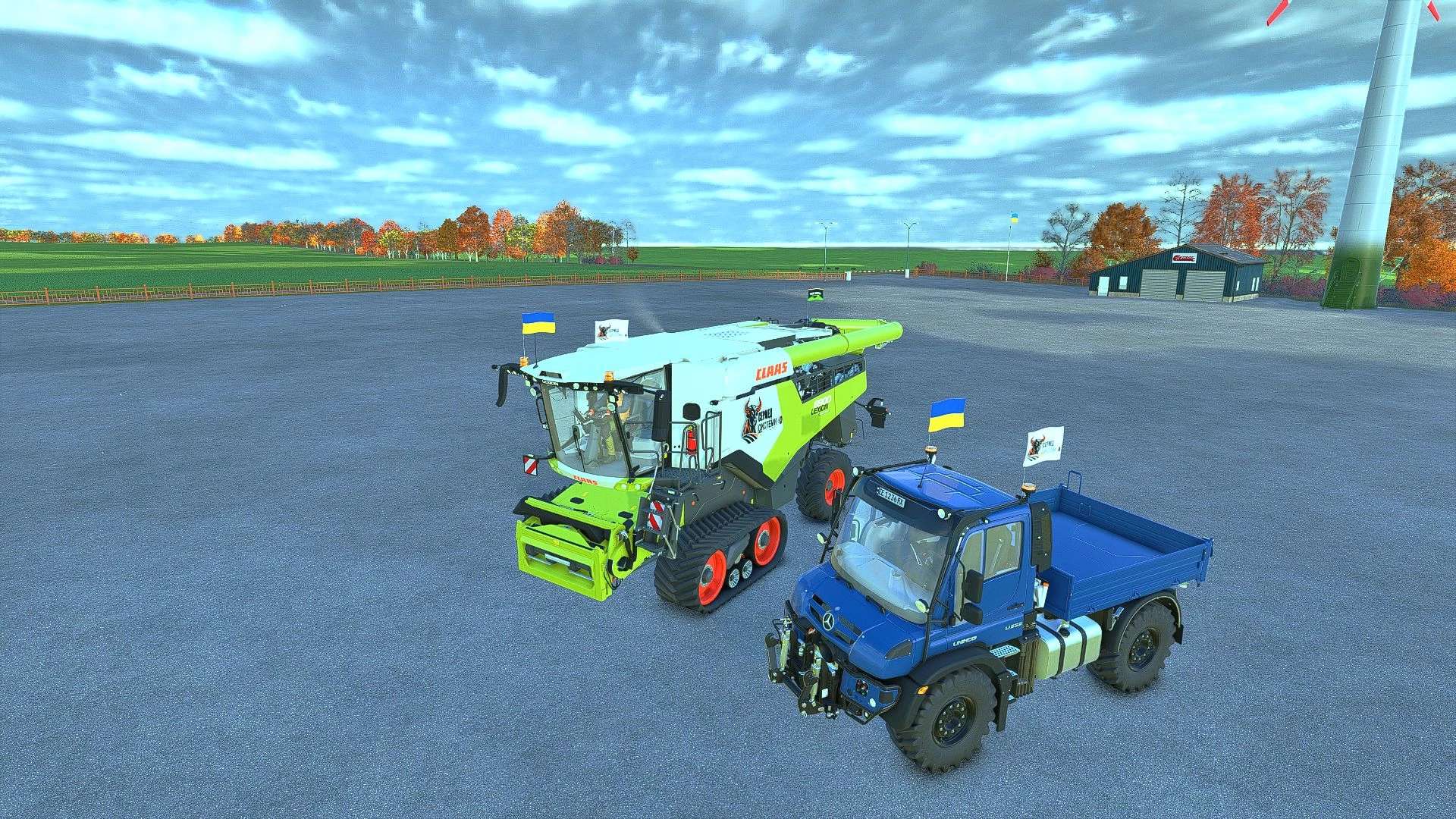
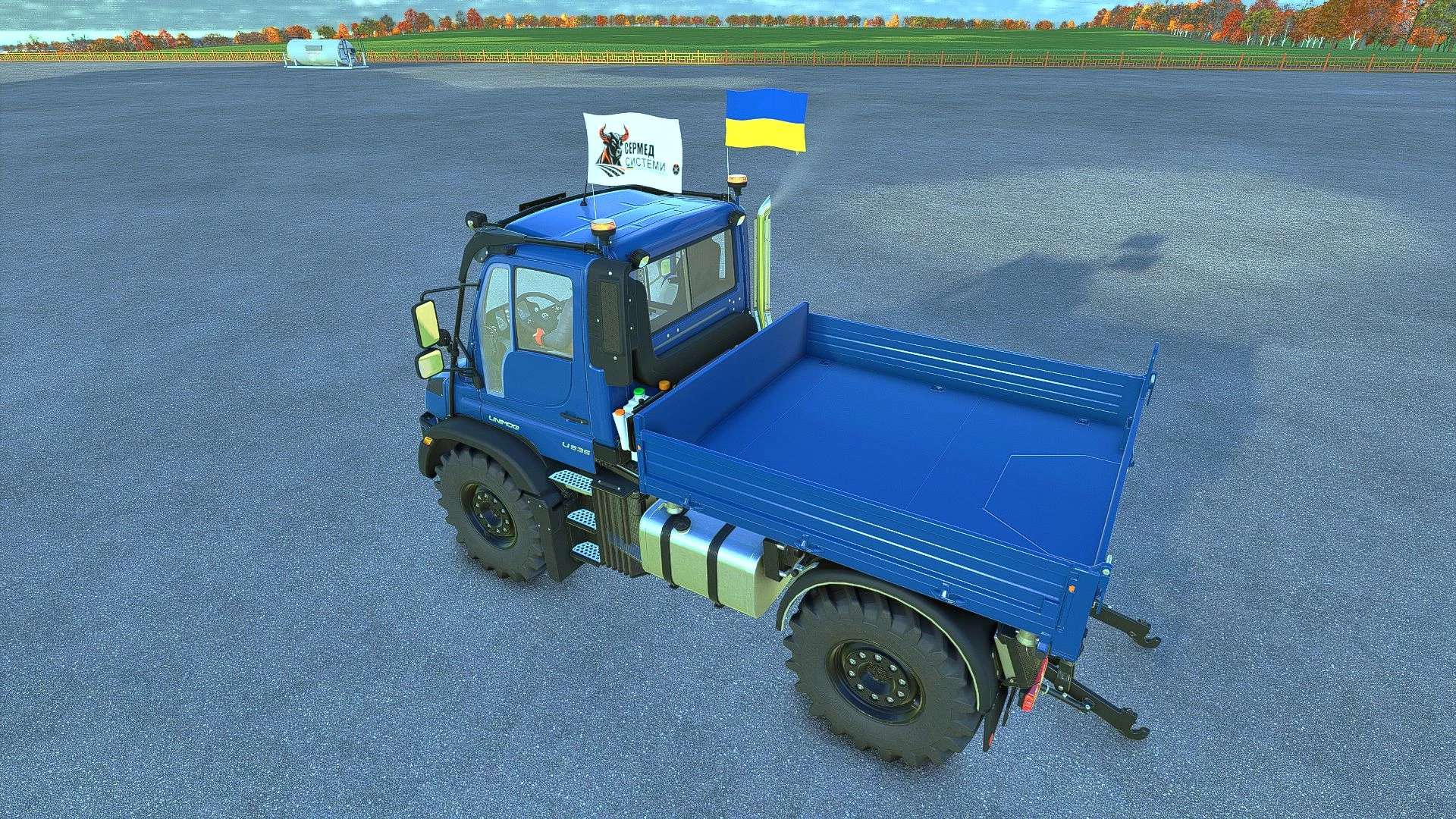
Vehicle Flags — flags for vehicles in FS25
The mod adds three independent sets of animated flags to controllable vehicles.
Features:
– Choose a country flag, a custom image, or both flags.
– Separate settings for sets 1, 2 and 3.
– Adjust the position, rotation, flag size and pole height.
– Ability to use different custom images in each set.
– Configuration in the shop and workshop.
How to add a custom flag
1. Prepare an image with a 2:1 aspect ratio. The recommended size is 1024×512 or 512×256.
2. Save it in PNG, JPG or DDS format, for example my_farm.png.
3. After launching the game with the mod for the first time, open the “Documents” folder — it is usually located on drive C. Then go to:
Documents → My Games → FarmingSimulator2025 → modSettings → FS25_VehicleFlags
4. Place the images directly in this folder, without subfolders or archives.
5. In the shop or workshop, open the flag settings and select the desired set.
6. In the custom flag selection option, switch between images by their file names.
7. Enable the custom flag or both flags, adjust the position and confirm the changes.
You can add multiple images. If the new files do not appear in the list, close and reopen the flag settings window.
Multiplayer: identical images with identical names must be located in the specified folder on the server and on all players’ computers. Images are not transferred automatically.