LS25 Volunteer Crops and Weeds V1.0.0.0

LS25 Volunteer Crops and Weeds V1.0.0.0
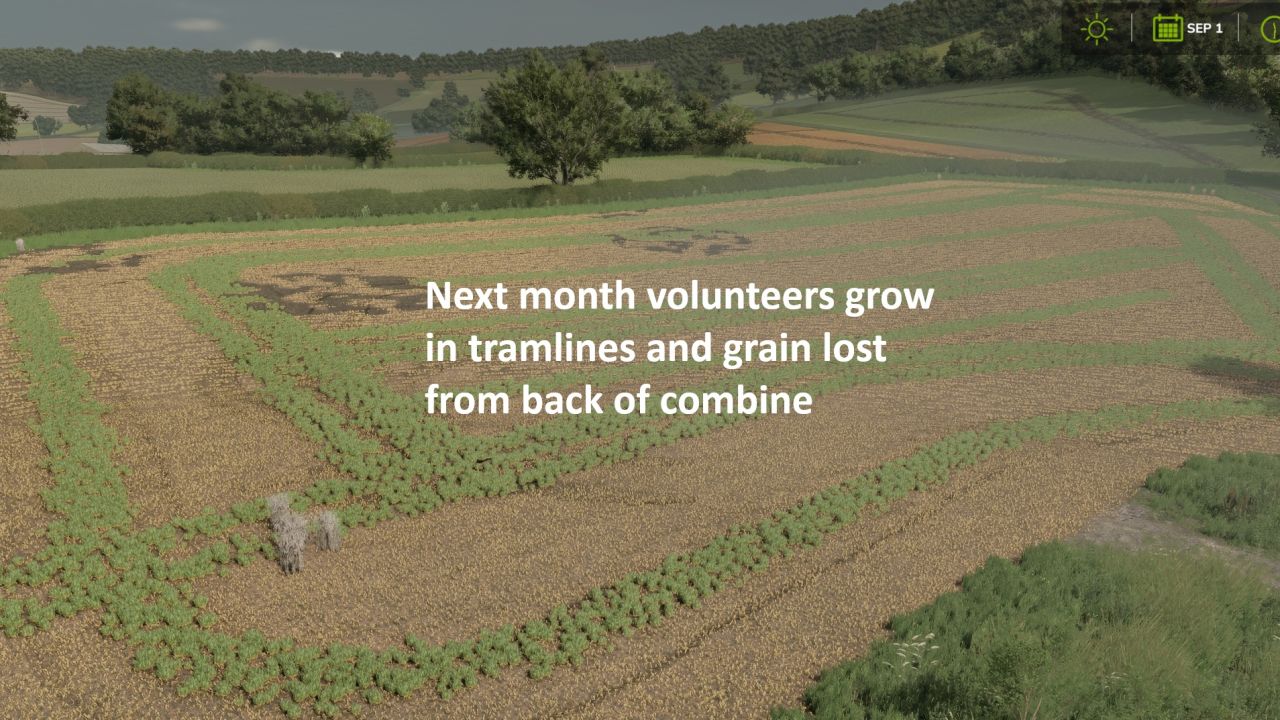
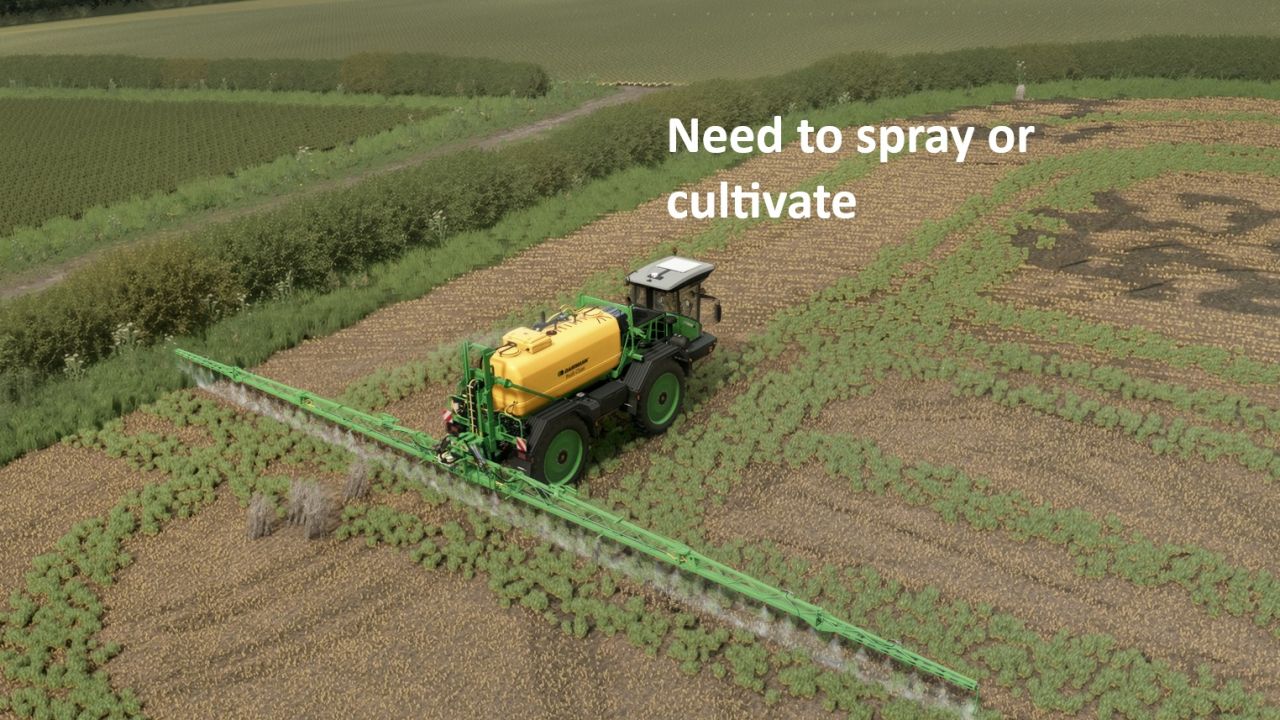
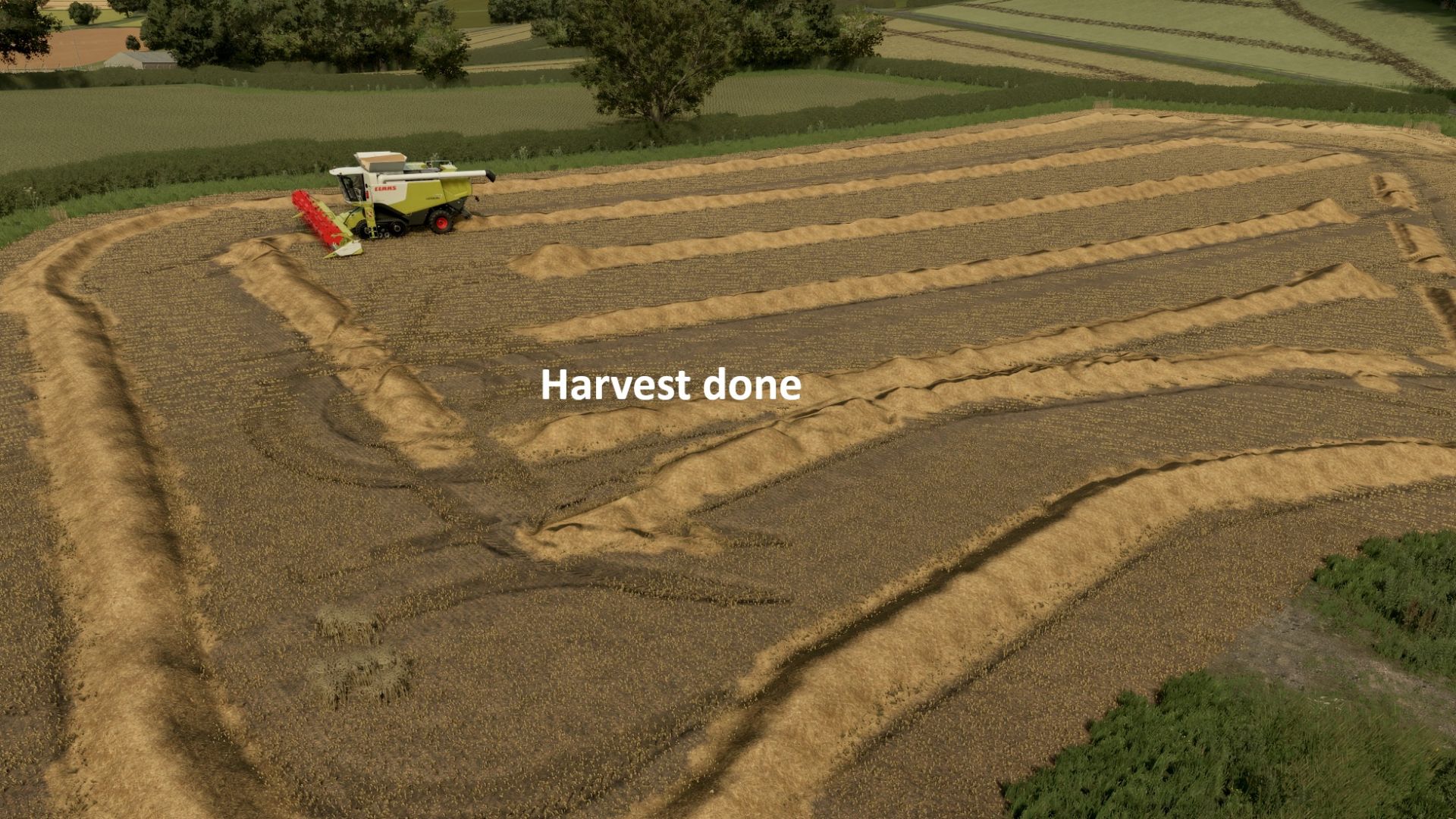
After a combine harvests wheat, barley or oats, a stripe of volunteer grain comes up behind it, just like in real life. The following month, it appears as young green wheat down the line of each combine pass, and it keeps growing until you deal with it. Volunteer crop also grows in preceding crops such as sugarbeet and maize, which need to be sprayed off (this is a replacement for the normal weed system)
– Volunteers only come from combines harvesting wheat, barley and oats. Stubble is left untouched.
– They appear at the start of the next in-game month, as a smooth line that follows the combine’s path.
– They grow from small to big (wheat by default)
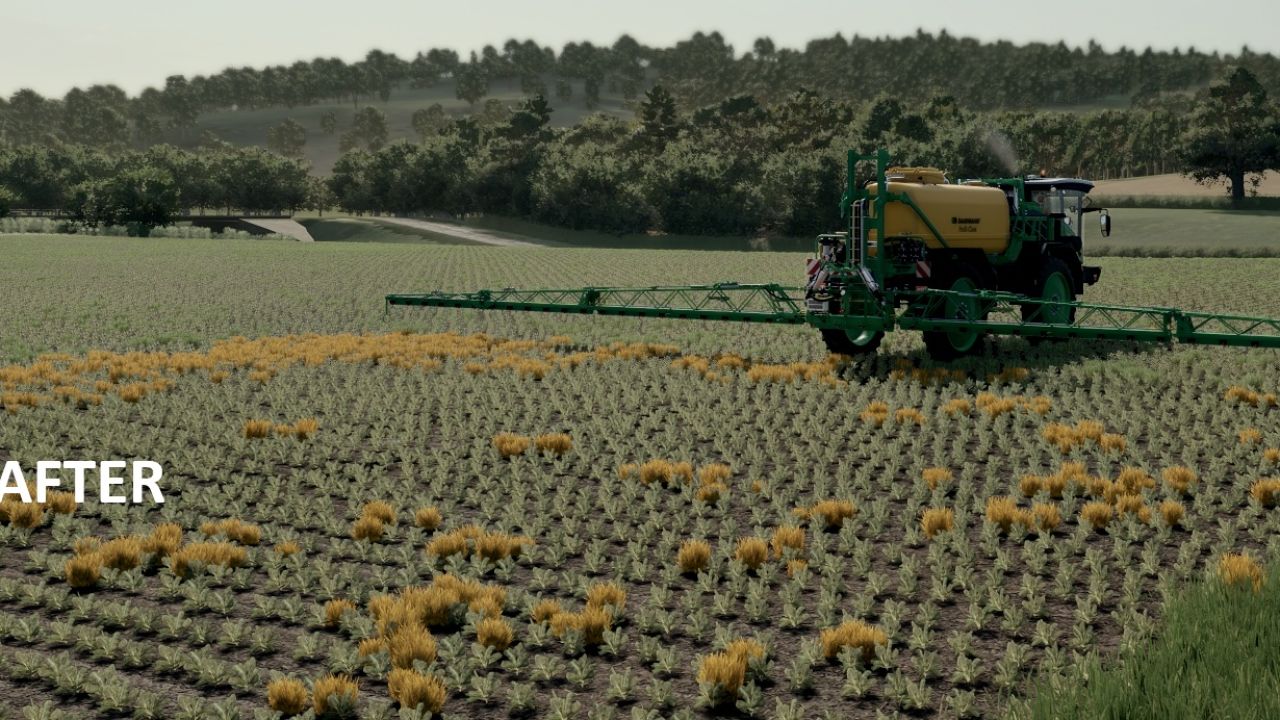
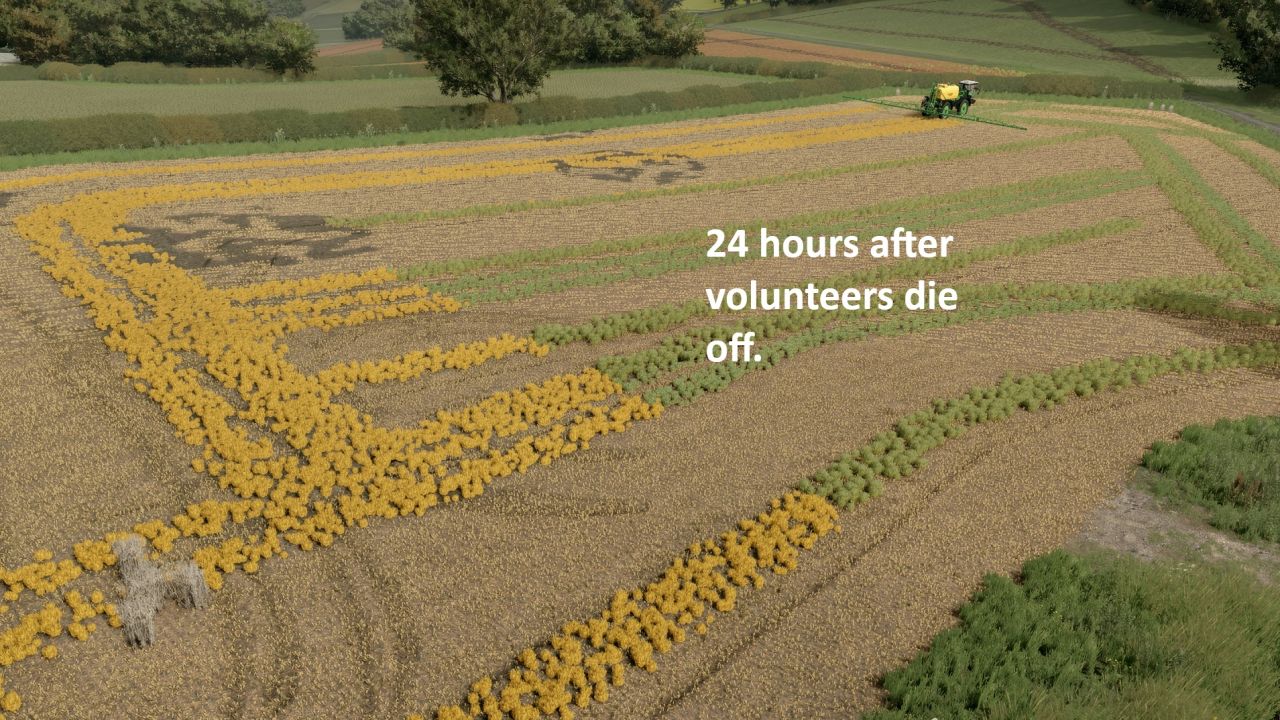
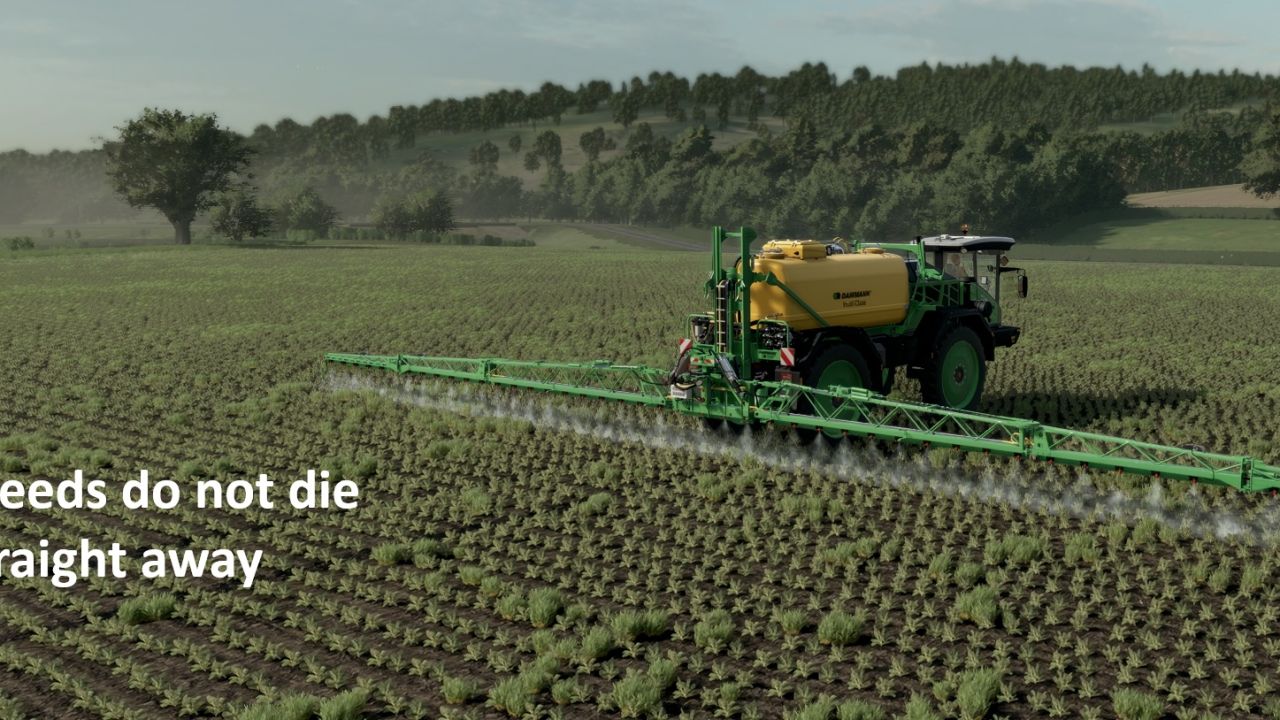
– Spray them with any normal herbicide. They stay green for a day, then turn golden yellow, and disappear two months later.
– Cultivating, ploughing or sowing removes them straight away.
– Normal weeds can’t grow on wheat, barley or oat stubble, so only volunteers appear there. If you switch the game’s Weeds setting on, normal weeds still appear elsewhere and are sprayed off the same way.
– Volunteer data is saved with your savegame.
IMPORTANT: For the volunteers to look like wheat, the map’s weed layer has to be drawn as wheat. On a map that still uses the standard weed look, the mod still works, but the volunteers look like ordinary weeds and the yellow sprayed look is missing. See the setup guide that comes with the mod for how to prepare any map, which takes a few minutes.
To INSTALL:
1. Add the FS25_VolunteerCrops in the zipped file. Place in the mod folder
2. Add the weeds folder to the map you need to edit; add a foliage folder if needed
3. Add Weed.xml (from the downloaded Zip) to your map’s config file
4 Edit. Point the map.i3d to the Weeds folder using Notepad. For example Witcombe would become <File fileId=”297″ filename=”textures/foliage/weed/weed.xml”/>
5. Edit. In map.xml, you need to point to the Weeds folder xml. For example, Witcombe would become <weed filename=”map/config/weed.xml” /> (Make sure the correct path is set for the weed.grle file.
Any issues, let me know. The aim is to add realism.