LS25 Yield control V2.0.0.1

LS25 Yield control V2.0.0.1
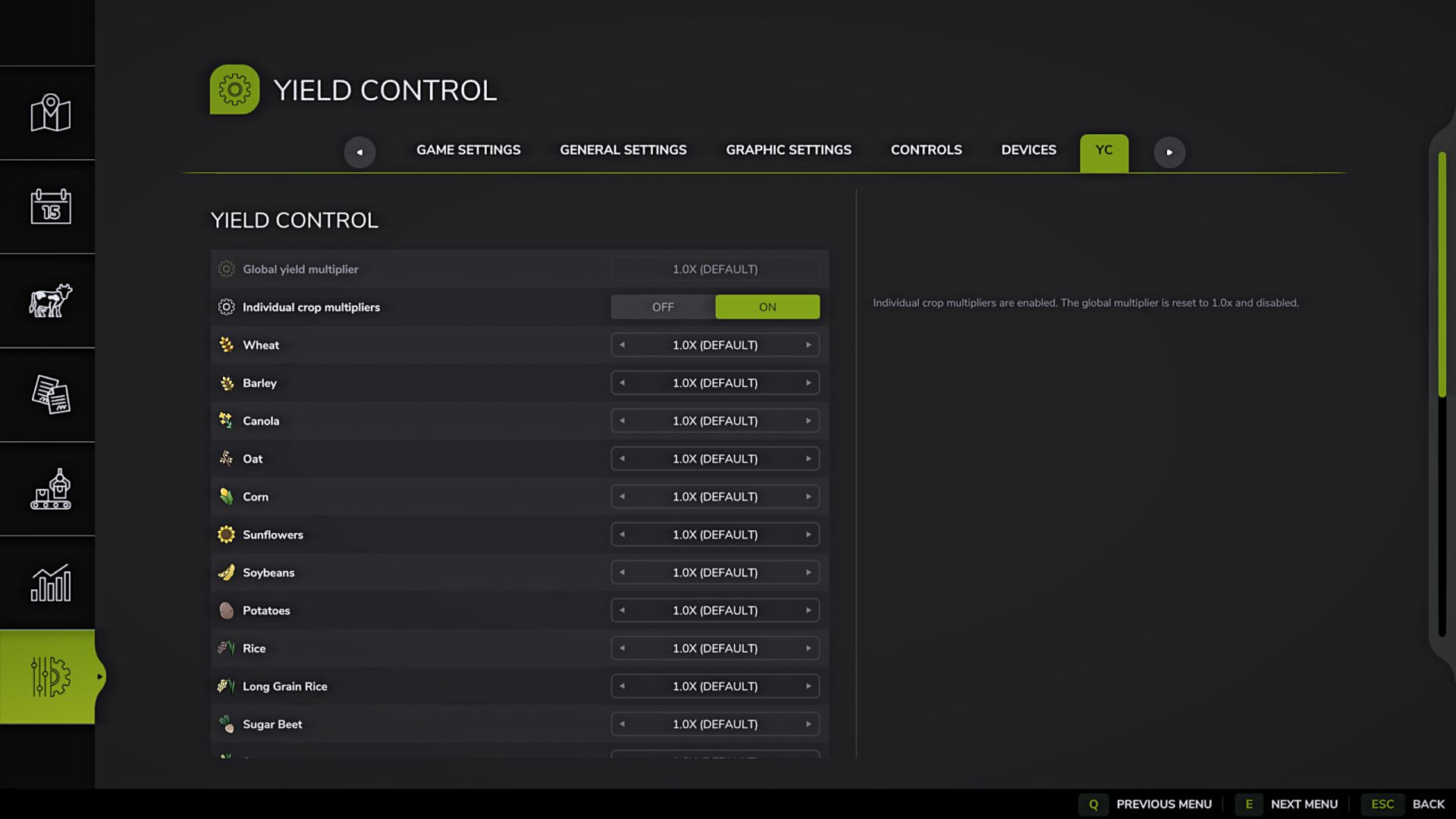
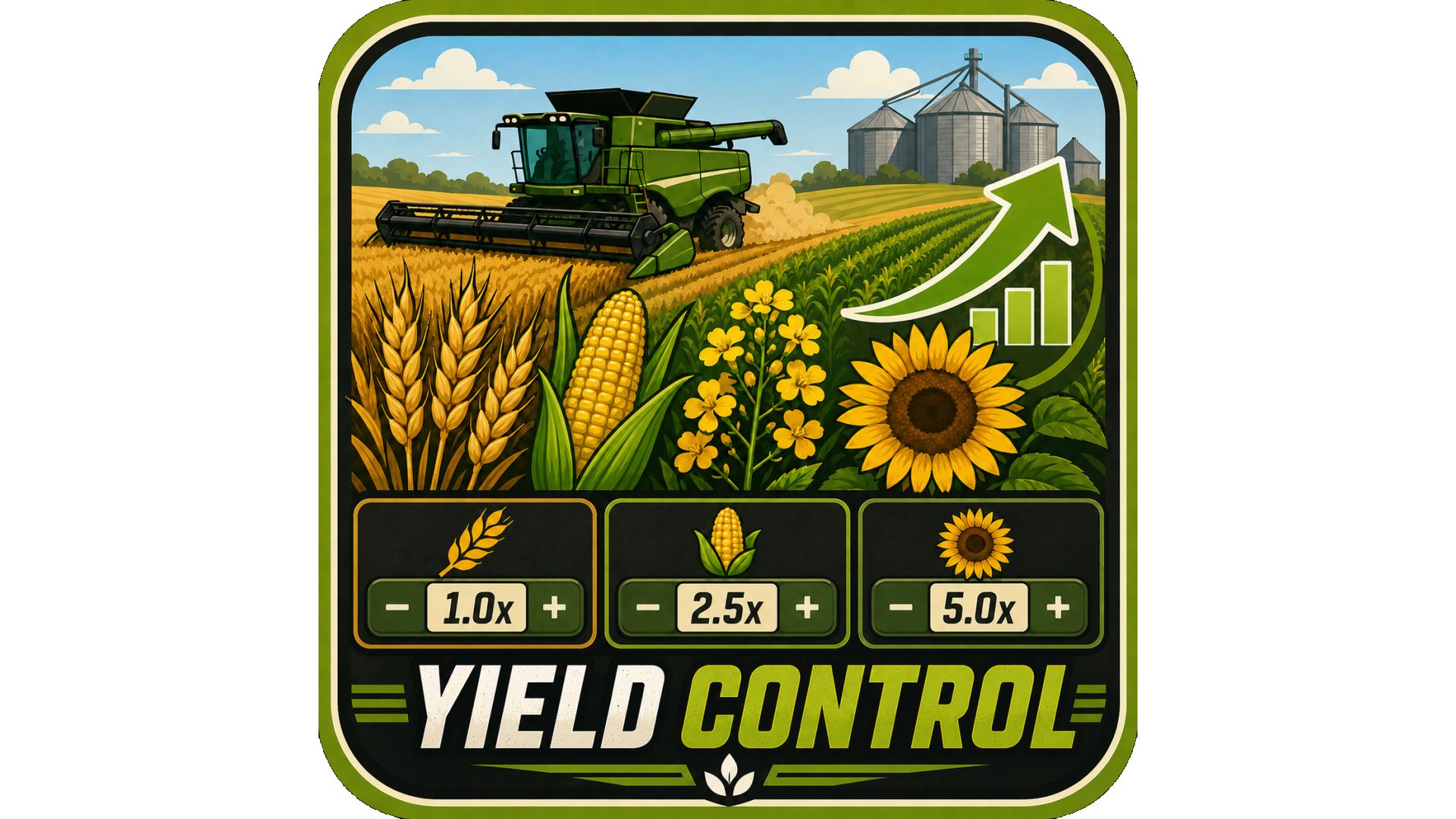
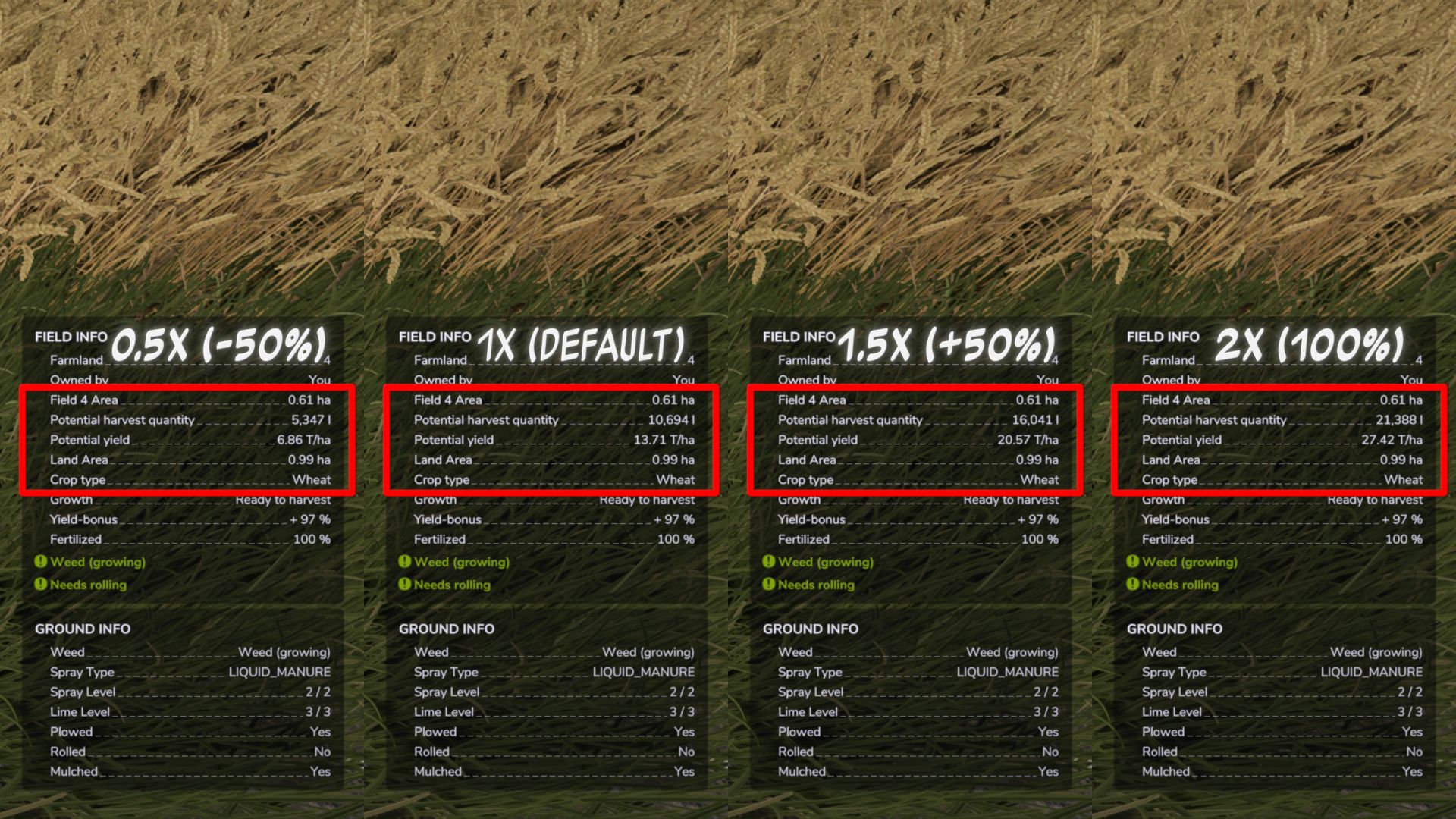
Yield Control adds a separate YC tab to the game settings and allows you to configure yield multipliers for all crops registered on the current map.
Features:
– Separate YC tab in the game settings.
– General yield multiplier for all crops.
– Individual crop multipliers with a separate Off/On switch.
– Individual multipliers are disabled by default.
– When individual multipliers are enabled, the overall multiplier is reset to 1.0x and becomes inactive.
– When individual multipliers are turned off, all crop multipliers are reset to 1.0x and become inactive.
– Automatic detection of crops: if there are 27 crops on the map, there will be 27 crop settings; if the mod map adds new crops, they are automatically added to the list.
– Supports standard crops, DLC, mod maps and additional crops registered through fruitTypes.
– The names of cultures are taken from the game or from the map/mod that added the culture.
– Crop icons are taken from fillType data if available. If the icon cannot be found, a replacement icon is used.
– Settings are saved separately for each save slot.
– Multiplier range: 0.5x (-50%) to 5.0x (+400%).
– Changes are applied instantly, without restarting the game or reloading the save.
Important information about straw:
– The mod changes the yield of the main product. The volume of straw is calculated separately by the game and is not multiplied proportionally to the grain yield.
Suitable for players who want to flexibly adjust economic difficulty, reduce the yield of individual crops, or increase the profitability of desired crops.
V2.0.0.1
– Yield Control settings have been moved from the “General Settings†tab to a separate YC tab in the game settings to free up space and not overload the general list of settings.
– The operating principle of individual crop multipliers has been reworked: they are now controlled by a separate Off/On switch.
– When individual multipliers are turned off, the overall yield multiplier is active and crop multipliers are inactive.
– When individual multipliers are enabled, the overall multiplier is reset to 1.0x and becomes inactive.
– When individual multipliers are turned off again, all crop multipliers are reset to 1.0x.
– Added crop icons next to names in the YC tab to make it easier to navigate the list of crops.
– Crop icons are taken from the registered culture/fillType data if available; if an icon cannot be determined, a replacement in-game icon is used.
– Updated descriptions of settings and localizations.